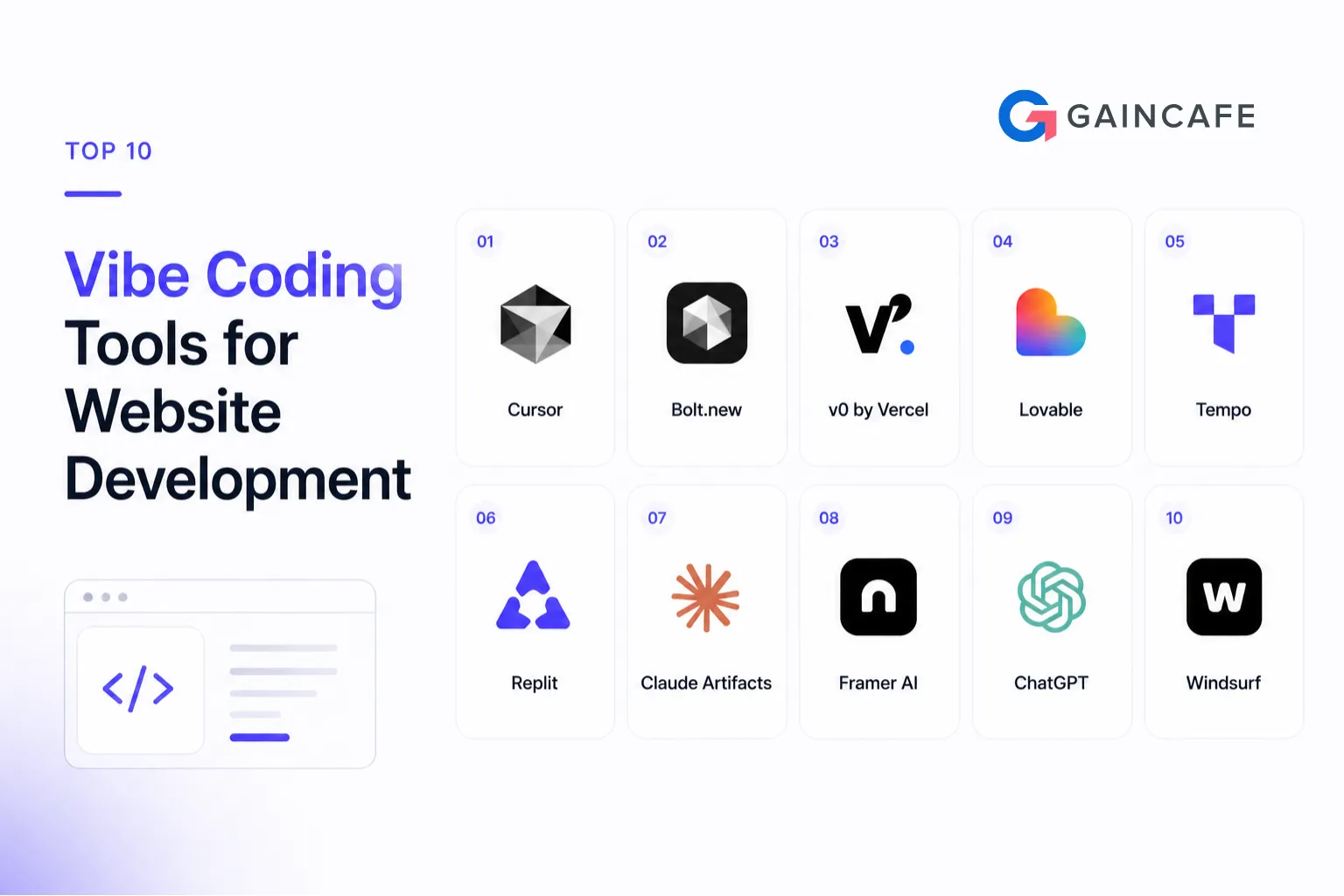
A year ago, building a website often meant writing thousands of lines of code by hand. In 2026, the workflow has changed: you describe what you want, and AI helps generate the code. This shift is commonly called vibe coding,and it’s now one of the fastest ways to ship modern websites and web apps.
If you’re a founder, product manager, or developer trying to launch faster, your tool choice can be the difference between shipping in weeks vs. months. Below are the top 10 vibe coding tools for website development in 2026, what each does best, and how to pick the right one.
Want to ship a website MVP faster,with senior engineering oversight?
Share your scope, stack preferences, and launch timeline. We’ll suggest the best AI-first workflow and ensure it’s production-ready: performance, security, and scalability.
What Is Vibe Coding and Why Is It Trending in 2026?
Vibe coding is an AI-first development approach where you communicate intent in natural language and the AI generates functional code. It’s trending in 2026 because output quality has improved, iteration is dramatically faster, and development costs are dropping as AI reduces repetitive manual work.
Top 10 Vibe Coding Tools for Website Development in 2026
1. Cursor
Cursor is an AI-powered code editor built on VS Code. It’s designed for professional teams and supports large codebases with project-wide context.
- Best for: Full-stack development, refactoring, multi-file changes
- Skill level: Intermediate to Advanced
- Pricing: Free tier available; paid plans start around $20/month
2. Bolt.new (StackBlitz)
Bolt.new generates full-stack applications in the browser from a single prompt,often including UI, backend, and data layer,without local setup.
- Best for: MVPs, prototypes, internal tools
- Skill level: Beginner to Intermediate
- Pricing: Free tier available; paid plans start around $20/month
3. Lovable
Lovable is an AI-first web app builder that can generate production-style React apps with authentication and database integration workflows.
- Best for: SaaS MVPs, startup launches, founder-led builds
- Skill level: Beginner
- Pricing: Free tier with limits; plans start around $20/month
4. V0 by Vercel
V0 generates clean UI components and layouts from text or references, typically using modern frontend patterns.
- Best for: Landing pages, UI components, fast frontend work
- Skill level: Beginner to Intermediate
- Pricing: Free tier available; premium plans start around $20/month
5. GitHub Copilot
Copilot remains a widely used AI assistant inside development environments, helping speed up day-to-day coding and suggestions.
- Best for: Everyday coding help, documentation, speeding up existing projects
- Skill level: Intermediate
- Pricing: Plans start around $10/month
6. Claude
Claude is frequently used for architecture planning, complex logic, debugging, and code review,especially helpful when you need deeper reasoning across large context.
- Best for: Architecture, code review, debugging, technical planning
- Skill level: Intermediate to Advanced
- Pricing: Free tier available; paid plans commonly around $20/month
7. Replit Agent
Replit Agent builds and deploys applications in the browser with autonomous help for setup, coding, and deployment.
- Best for: Demos, proofs of concept, rapid validation
- Skill level: Beginner
- Pricing: Free tier available; paid plans commonly around $25/month
8. Windsurf (Codeium)
Windsurf is an AI editor designed for longer task sequences and autonomous multi-step execution.
- Best for: Complex features, refactoring, autonomous workflows
- Skill level: Intermediate to Advanced
- Pricing: Free plan available; paid plans commonly around $15/month
9. Webflow AI
Webflow AI applies vibe-coding ideas to visual website building,great for marketing sites and content-led builds with fast iteration.
- Best for: Marketing websites, content sites, e-commerce frontends
- Skill level: Beginner
- Pricing: Plans commonly start around $14/month
10. Tempo Labs
Tempo Labs focuses on React workflows and design-system consistency as AI-generated code scales across a team.
- Best for: React apps with design systems, component coherence
- Skill level: Intermediate to Advanced
- Pricing: Free beta (plans evolving through 2026)
Comparison Table: Top 10 Vibe Coding Tools at a Glance
| Tool | Best For | Skill Level | Free Plan | Starting Price | Deployment Included |
|---|---|---|---|---|---|
| Cursor | Full-stack professional development | Intermediate–Advanced | Yes | $20/mo | No |
| Bolt.new | Full-stack generation from prompt | Beginner–Intermediate | Yes | $20/mo | Yes |
| Lovable | SaaS and startup MVP builds | Beginner | Yes | $20/mo | Yes |
| V0 | Frontend UI and component generation | Beginner–Intermediate | Yes | $20/mo | Yes |
| GitHub Copilot | Day-to-day coding assistance | Intermediate | Yes | $10/mo | No |
| Claude | Architecture planning and code review | Intermediate–Advanced | Yes | $20/mo | No |
| Replit Agent | Rapid prototyping and demos | Beginner | Yes | $25/mo | Yes |
| Windsurf | Autonomous multi-step development | Intermediate–Advanced | Yes | $15/mo | No |
| Webflow AI | Marketing and e-commerce websites | Beginner | Yes | $14/mo | Yes |
| Tempo Labs | React design system development | Intermediate–Advanced | Yes | Free beta | No |
How to Start Vibe Coding in 5 Minutes
- Pick a tool: Full app from prompt (Bolt/Lovable), UI generation (V0), editor workflow (Cursor/Windsurf), marketing (Webflow AI).
- Write a clear prompt: What it is, who it’s for, core features, preferred stack.
- Review output: Layout, key flows, broken elements, obvious gaps.
- Iterate fast: Use follow-up prompts to refine UI, add features, and adjust content.
- Deploy: Use built-in deployment where available, then collect feedback and improve.
Traditional Development vs. Vibe Coding in 2026
The biggest shift is not only speed,it’s how teams iterate. AI-first workflows make it easier to test ideas fast, but expert oversight still matters for security, integrations, and long-term architecture.
Speed Comparison
| Factor | Vibe Coding | Traditional Development |
|---|---|---|
| MVP delivery timeline | 2–6 weeks | 3–6 months |
| New feature development | 1–3 days | 1–3 weeks |
| UI component creation | Minutes | Hours to days |
| Bug identification and fixing | Near real-time with AI help | Manual debug cycle |
| Prototype to production | Days | Weeks to months |
Cost Comparison (Typical Ranges)
| Project Type | Vibe Coding Cost | Traditional Dev Cost |
|---|---|---|
| Simple web application | $8k–$15k | $25k–$45k |
| Full MVP with integrations | $12k–$25k | $40k–$80k |
| Enterprise web platform | $30k–$60k | $100k–$200k |
| Monthly feature development | $2k–$5k | $8k–$20k |
Want “vibe coding speed” without production risks?
We combine AI-first build workflows with senior engineering review to prevent security gaps, messy architecture, and integration failures,so you launch fast and scale safely.
Which Vibe Coding Tool Is Right for Your Project?
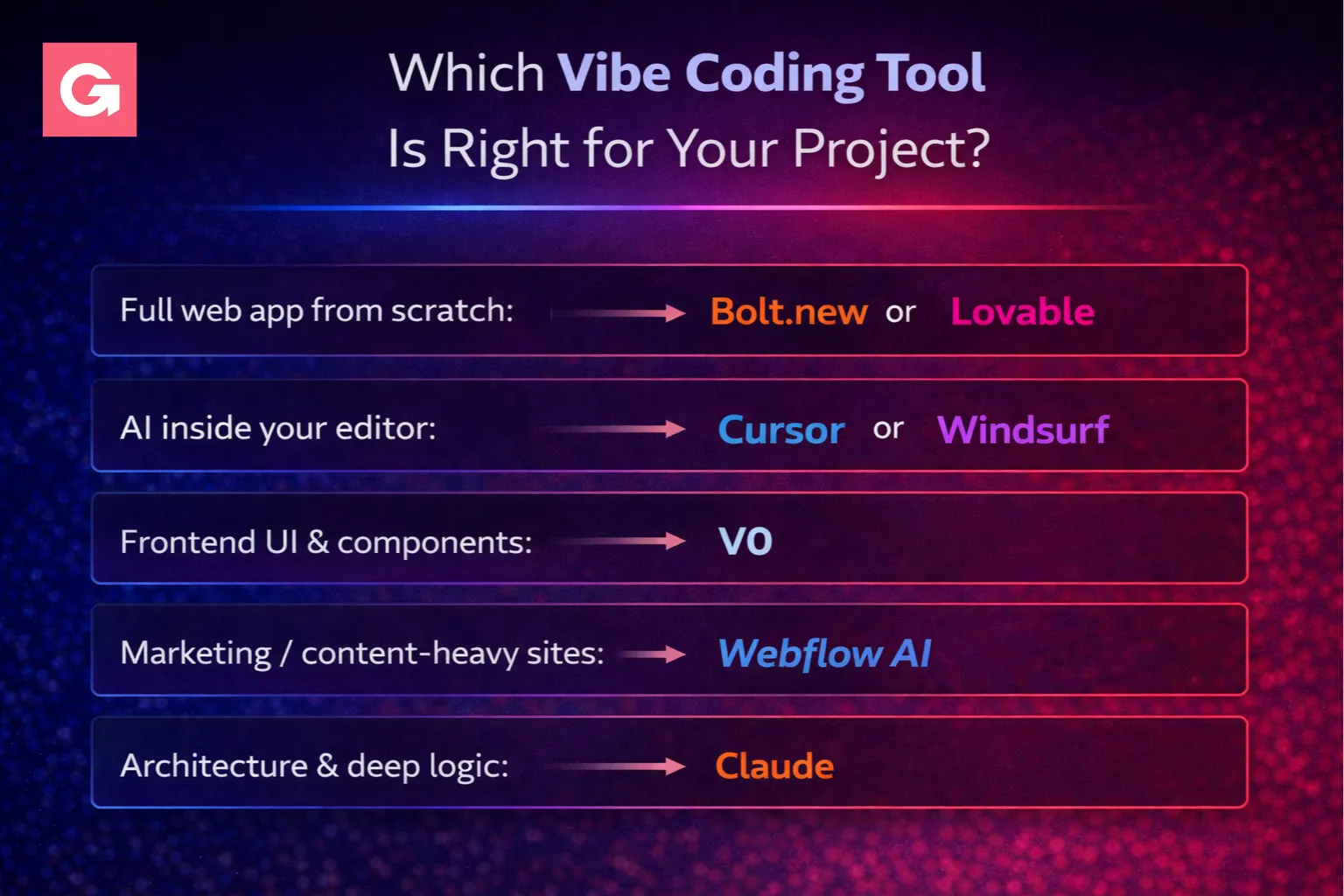
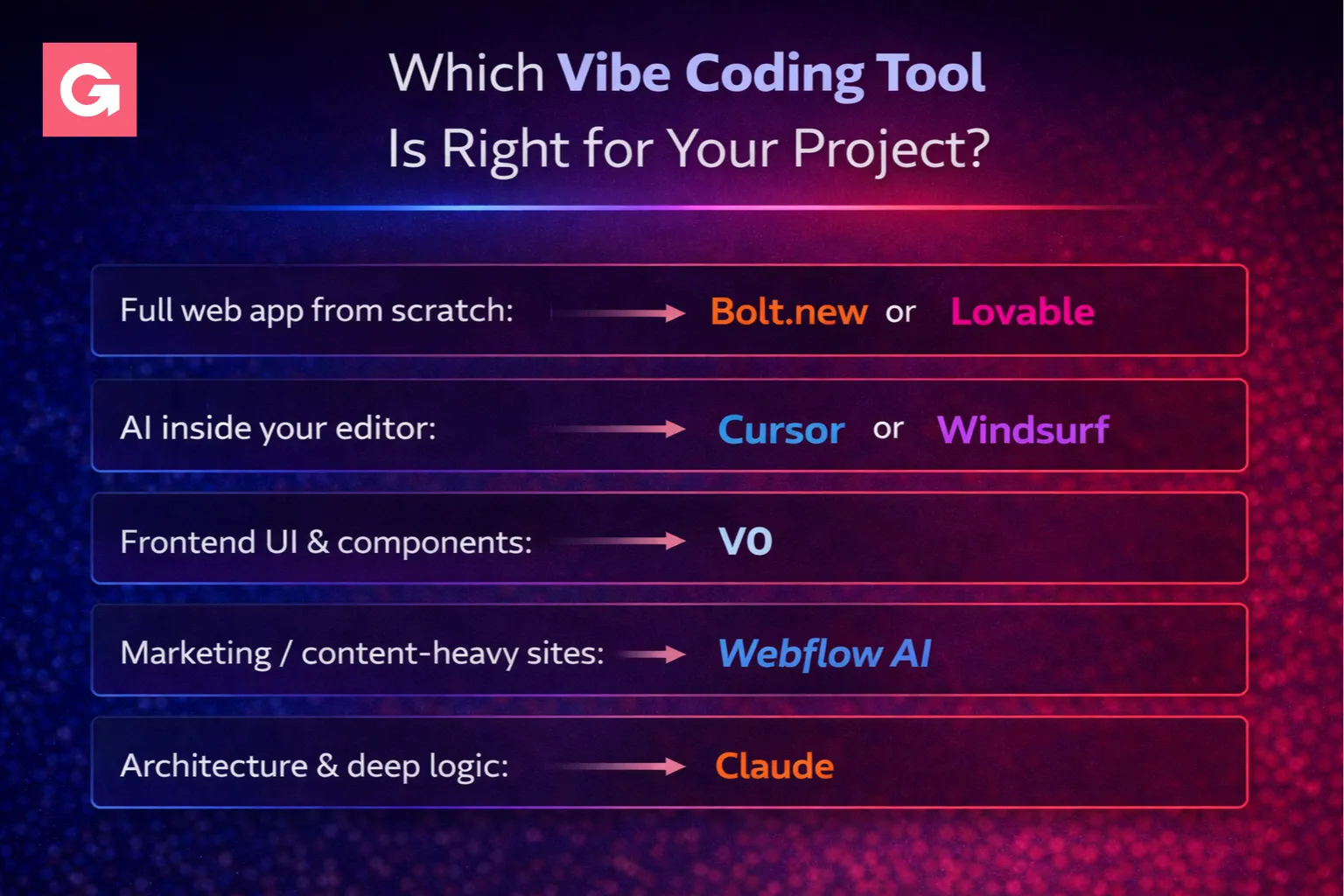
- Full web app from scratch: Bolt.new or Lovable
- AI inside your editor: Cursor or Windsurf
- Frontend UI & components: V0
- Marketing / content-heavy sites: Webflow AI
- Architecture & deep logic: Claude
Conclusion
Vibe coding tools have changed what’s possible in web development. The best results in 2026 come from a hybrid model: AI for speed + senior judgment for quality. Pick the tool that matches your project, and build a workflow where output stays clean, secure, and scalable.