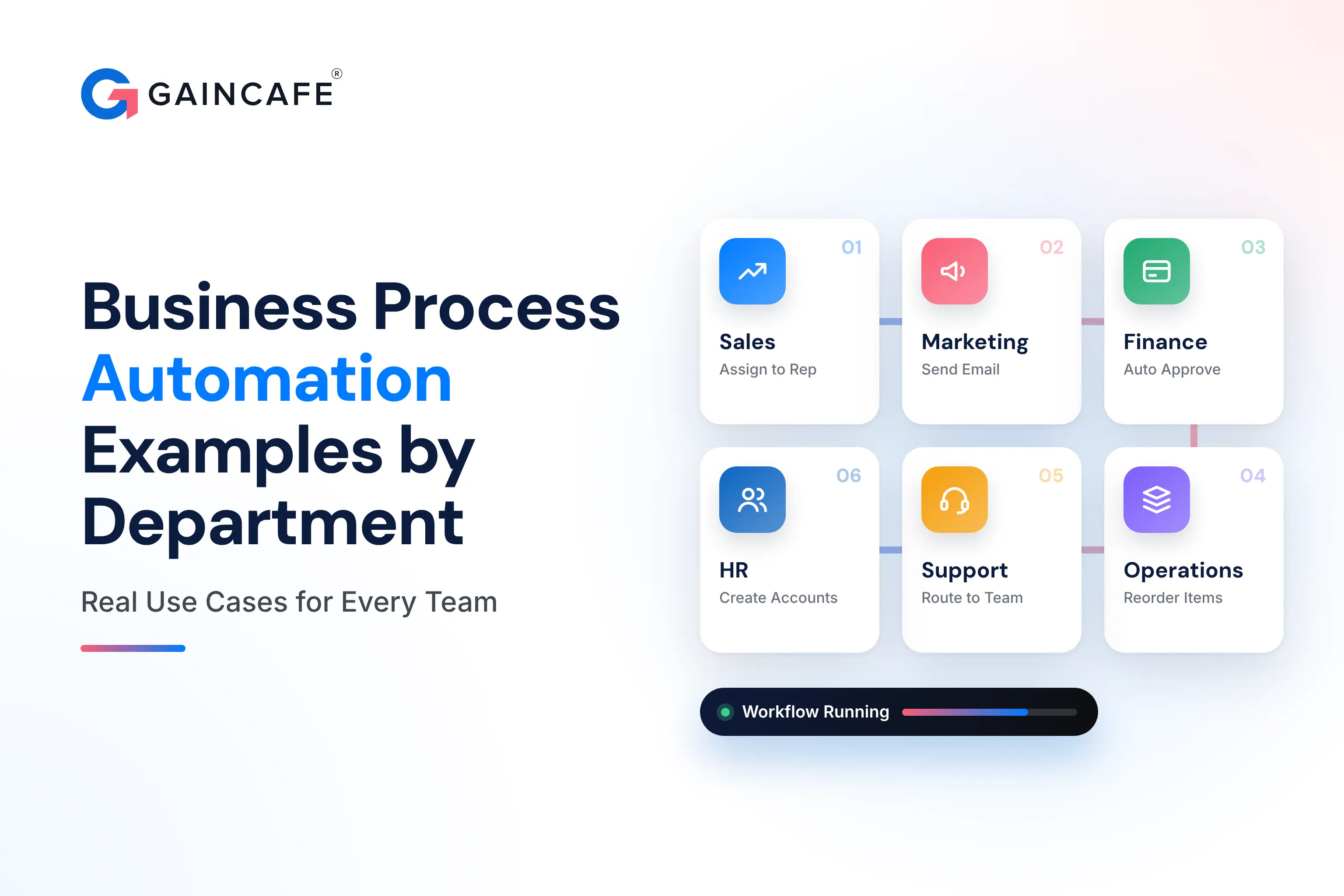
Business process automation examples by department show exactly how teams replace slow, manual work with software that runs on its own, from lead routing in sales to invoice processing in finance and onboarding in HR. This guide walks through more than 30 real automation examples across ten departments, with the trigger that starts each one, what the software actually does, the hours it gives back, and the tools that power it. If you have ever wondered what to automate first in your business, this is the practical answer.
Quick answer: The most common business process automation examples by department are lead routing and follow-ups in sales, email drips in marketing, invoice processing and expense approvals in finance, employee onboarding in HR, ticket triage in customer support, access provisioning in IT, purchase approvals in procurement, and inventory reordering in operations. Each one takes a repetitive, rule-based task and runs it automatically, saving hours a week and cutting errors.
Key Takeaways
- Business process automation (BPA) replaces repetitive, rule-based tasks with software, freeing staff for higher-value work.
- The best processes to automate are high-volume, rule-based, and span multiple people or systems.
- Every department has strong candidates, finance and HR usually deliver the fastest, clearest wins.
- In 2026, AI agents push automation further, handling tasks that need judgment, not just fixed rules.
- Start with one high-pain process, prove the time saved, then expand, rather than automating everything at once.
The shift is real and measurable. The business process automation market is valued at around $22.45 billion in 2026 according to GII Research, and a Camunda study found that 87% of organizations saw business growth from process automation. The reason is simple: automation gives time back, and time is the one thing every team is short on.
What Is Business Process Automation?
Business process automation is using software to run a multi-step business process automatically, without someone doing each step by hand. Instead of a person copying data between systems, chasing approvals, or sending the same email for the hundredth time, a workflow does it, triggered by an event and following your rules.
A classic example is accounts payable. Manually, someone opens each invoice, keys it into the accounting system, emails a manager for approval, and schedules payment. Automated, the system reads the invoice, matches it to the purchase order, routes it for approval based on the amount, and queues the payment, with a full audit trail and zero re-entry. Same outcome, a fraction of the time, far fewer errors.
BPA vs RPA vs BPM: The Quick Difference
These three terms get mixed up, so here is the plain version.
| Term | What it is | Example |
|---|---|---|
| BPA (business process automation) | Automating an end-to-end process across systems | Full invoice-to-payment flow |
| RPA (robotic process automation) | Software bots mimicking clicks and keystrokes on individual tasks | Copying PDF data into an ERP |
| BPM (business process management) | The discipline of modeling, monitoring, and improving processes | Mapping and optimizing a whole department's workflow |
In practice they overlap. BPA is the business outcome, RPA is one tool to achieve it, and BPM is the strategy around it. For most teams, the useful question is not which acronym, but which process to automate first.
Not sure what to automate first?
Tell us your biggest time-draining process, and Gaincafe will map an automation plan with the hours and cost it saves, free.
Get a Free Automation PlanBusiness Process Automation Examples at a Glance
Here is a quick map of the highest-impact automations by department before we go deep on each.
| Department | Processes to automate | Common trigger |
|---|---|---|
| Sales | Lead routing, follow-ups, proposals | Form submission |
| Marketing | Email drips, social posts, report alerts | New subscriber or content download |
| Finance | Invoice processing, expense approvals, POs | Invoice received |
| HR | Onboarding, leave requests, offboarding | Signed offer letter |
| Customer support | Ticket triage, routing, reply drafting | New ticket |
| Operations | Reporting, task assignment, data sync | Schedule or status change |
| Procurement | Purchase requests, vendor onboarding | Request submitted |
| IT | Access provisioning, ticket resolution | New hire or request |
| Logistics | Reordering, shipment updates | Stock threshold crossed |
| Compliance | Audit trails, policy sign-offs | Policy update or review date |
Sales Process Automation Examples
Sales teams lose huge amounts of time to admin between calls. Automation hands that time back so reps can sell.
- Lead capture and routing. Trigger: a form submission or new CRM entry. The software captures the lead, scores how likely it is to buy, and assigns it to the right rep instantly, instead of leads sitting in an inbox. Saves 3 to 6 hours a week. Tools: Salesforce, HubSpot, Zapier.
- Follow-up sequences. Trigger: a call logged or a stage change. The system sends timed follow-up emails so no lead goes cold. Saves 4 to 7 hours a week.
- Quote and proposal generation. Trigger: a deal reaches a stage. The system fills a template with the client's details and sends it for signature, cutting a half-day task to minutes.
Speed-to-lead decides who wins the deal, so automating the moment a lead arrives is often the single highest-return sales automation.
Marketing Automation Examples
Marketing runs on repetition, which makes it ideal for automation.
- Email nurture drips. Trigger: a new subscriber or a content download. The system sends a planned sequence of emails over days or weeks, nurturing the lead without anyone pressing send. Saves 3 to 5 hours a week.
- Social media scheduling. Trigger: a content calendar date. Posts publish automatically across channels at the right times.
- Lead scoring and handoff. Trigger: a lead hits an engagement threshold. The system flags it as sales-ready and passes it to the sales team, so hot leads never slip through.
- Report alerts. Trigger: a campaign metric moves. The team gets notified of a spike or drop without checking dashboards all day.
Finance and Accounting Automation Examples
Finance is where automation delivers some of the clearest, fastest returns, because the work is rule-based and the cost of an error is high.
- Invoice processing. Trigger: an invoice arrives by email. The software extracts the data, matches it to the purchase order, and routes it for approval based on amount. Saves 5 to 10 hours a week and removes re-entry errors. Tools: Power Automate, SAP, Oracle.
- Expense approvals. Trigger: an expense claim is submitted. The system checks it against the department budget, and if the budget is exhausted it flags the request immediately before routing to a manager, keeping spending in line.
- Purchase order matching. Trigger: an invoice and PO exist. The system matches them automatically and only escalates mismatches.
- Payment reminders. Trigger: an invoice goes overdue. The system sends friendly reminders automatically, improving cash flow without awkward manual chasing.
Automating finance workflows also creates a complete audit trail, which matters for compliance and makes month-end far less painful.
Want finance automation that pays for itself?
We build invoice, expense, and approval automations that cut hours and errors. Get a scoped estimate.
Talk to an ExpertHR Process Automation Examples
HR runs on multi-step processes across several people, which is exactly what automation handles best.
- Employee onboarding. Trigger: a signed offer letter. One trigger starts every task across HR, IT, payroll, and the manager, creating accounts, assigning equipment, scheduling training, and sending welcome docs in the right order. A ten-step, multi-team process runs itself. Tools: ServiceNow, Oracle HCM, Kissflow.
- Leave and PTO requests. Trigger: an employee submits a request. The system checks balances, routes for approval, and updates the calendar and payroll, replacing manual timesheets.
- Offboarding. Trigger: a departure date. The system revokes access, recovers equipment, and runs the exit checklist, which also closes a real security gap.
- Payroll updates. Trigger: a change in hours or status. The system updates payroll automatically, reducing errors.
Customer Support Automation Examples
Support automation gives fast answers at any hour and sends complex issues to the right person.
- Ticket triage and routing. Trigger: a new ticket. AI tags the intent and routes the case to the right team, so nothing sits unassigned. One company resolved over a quarter of its IT tickets this way and avoided significant hiring costs. Tools: ServiceNow, Zendesk, Salesforce.
- AI reply drafting. Trigger: a common question. The assistant drafts an answer from your knowledge base for an agent to approve, cutting response time sharply.
- Self-service deflection. Trigger: a customer asks a routine question. A chatbot answers instantly, around the clock, reserving humans for the hard cases.
Conversational support is one of the highest-ROI automations for most businesses, which is why so many start with an AI chatbot before expanding elsewhere.
Operations Automation Examples
Operations is the glue between departments, and automation keeps it from becoming a bottleneck.
- Automated reporting. Trigger: a schedule. The system pulls data from several tools and sends a ready report, replacing hours of manual compiling.
- Task assignment. Trigger: a project stage or request. Work is assigned to the right person automatically, so nothing stalls.
- Data sync between tools. Trigger: a record changes in one system. It updates everywhere else, ending copy-paste between apps.
- File organization. Trigger: a new document. It is named, tagged, and filed in the right place automatically.
Procurement and Supply Chain Automation Examples
Procurement stalls when requests live in inboxes and spreadsheets. Automation gives it a clear, traceable path.
- Purchase requests and approvals. Trigger: a request is created. The system routes it by value thresholds, generates the purchase order, and sends it to the supplier, with full traceability and budget compliance. Tools: Oracle Procurement, Power Automate.
- Vendor onboarding. Trigger: a new supplier. The system collects documents, runs checks, and sets up the vendor record without manual back-and-forth.
- Contract approval. Trigger: a contract is drafted. It is held in one system, reviewers are alerted, and versions are tracked instead of lost in email.
IT Automation Examples
IT teams drown in repetitive requests, which automation clears fast.
- Access provisioning. Trigger: a new hire or role change. The system grants the right access to the right tools automatically, and revokes it on departure.
- Ticket resolution. Trigger: a common IT request like a password reset. The system handles it end to end without an agent.
- Backups and monitoring. Trigger: a schedule or an alert. Backups run and the team is notified of issues before users notice.
Logistics and Inventory Automation Examples
Logistics runs on thresholds and status changes, which are perfect automation triggers.
- Automated reordering. Trigger: stock crosses a low threshold. A reorder is generated and sent to the supplier automatically, so nothing runs out without a manager watching every line.
- Shipment and order updates. Trigger: a status change. Customers and staff get updates automatically, cutting "where is my order" tickets.
- Receipt confirmations. Trigger: goods arrive. The system updates inventory and flags discrepancies.
Compliance and Legal Automation Examples
Compliance is about consistency and records, which automation guarantees far better than manual effort.
- Audit trails. Trigger: any tracked action. The system logs it automatically, so audits become a report rather than a scramble.
- Policy sign-offs. Trigger: a policy update or review date. The system sends it to the right people, tracks acknowledgements, and chases the stragglers.
- Risk assessments. Trigger: a schedule or new project. The workflow guides the assessment and stores the results for compliance.
How to Choose What to Automate First
The fastest way to waste money on automation is to try to do everything at once. The businesses that win start with one process and prove it. A process is a strong candidate when it is:
- Repetitive, done the same way many times a week.
- Rule-based, with clear if-this-then-that logic.
- High-volume, so the time saved adds up.
- Error-prone or costly when a human slips.
- Spanning multiple people or systems, where handoffs cause delays.
Score your candidates on time wasted and error cost, pick the worst offender, and automate just that. Prove the hours it saves, then expand to the next one. This measured approach is the whole philosophy behind good AI automation: one real win first, then scale from proof.
The AI Agent Shift in 2026
Traditional automation follows fixed rules, which is perfect for predictable tasks. The big change in 2026 is AI agents, which handle work that needs judgment, not just rules. Instead of a rigid if-this-then-that flow, an agent can read a messy support ticket, decide what it is about, pull the right information, and act, or hand off to a human when it is unsure.
This widens what is automatable. Tasks that were too varied for rule-based automation, nuanced customer replies, document review, exception handling, are now within reach. The trade-off is cost and oversight, since agents need guardrails and monitoring. For most businesses the smart path is to automate the clear rule-based wins first, then add AI agents where judgment is the bottleneck. If you want the numbers, our breakdown of AI agent development cost lays them out.
How to Get Started With Business Process Automation
You do not need a big budget or a technical team to begin. Start by mapping your most painful process end to end, so you can see every manual step. Pick ready-made tools where they fit, since many chat, scheduling, and workflow tools can be set up without a developer. Automate one process, measure the hours it gives back, and only invest in a custom build once a workflow is too specific for off-the-shelf tools. When you reach that point, connecting your existing systems cleanly through solid API integration is usually where a development partner earns its fee.
Before you commit to a custom build, it helps to know the numbers, and our guide to AI integration cost shows what a tailored automation project typically runs.
Ready to automate the work that drains your team?
Gaincafe builds business process automation across sales, finance, HR, support, and operations, with senior engineering and full ownership. Get a transparent estimate today.
Start Your Automation ProjectThe Bottom Line
Business process automation examples by department all share the same idea: take a repetitive, rule-based task and let software run it, so your team gets time back for work that actually needs a human. Every department has strong candidates, from lead routing in sales to invoice processing in finance and onboarding in HR, and in 2026 AI agents stretch automation into tasks that once needed judgment.
The winning move is not to automate everything at once, but to pick the one process costing you the most time or money, automate it, measure the result, and grow from there. If you want a partner to map, build, and scale automation across your business, Gaincafe Technologies can take you from one quick win to a fully automated workflow, with senior engineering and full ownership.