The wireframing ecosystem has undergone a radical transformation in 2026, driven primarily by generative UI capabilities and advanced AI-powered wireframing technologies. What once required hours of meticulous component placement can now be accomplished in minutes through natural language prompts and screenshot-to-design conversions.
Tools like Uizard’s AutoDesigner 2.0 and Galileo AI’s semantic layout engine have fundamentally altered our approach to rapid prototyping, enabling design teams to iterate at unprecedented velocity.
At Gaincafe, our IT solutions practice has adopted a "speed-to-market with precision" philosophy. We’ve battle-tested every major wireframing platform in production environments, from early-stage startup MVPs to enterprise-grade applications serving millions of users. This analysis synthesizes our direct experience deploying these tools across diverse client engagements, with particular attention to developer handoff quality, collaborative design workflows, and integration with modern development stacks.
Need the right wireframing tool for your project?
Tell us your product type (MVP, enterprise, mobile), timeline, and stack (React/Flutter/Vue). We’ll recommend the best-fit tool + handoff workflow for your dev team.
Comparative Analysis: Best Wireframing Tools 2026
The following matrix evaluates leading platforms across critical technical dimensions. These metrics reflect real-world performance in production environments, not marketing claims:
| Platform | Learning Curve | AI Capabilities | Collaboration | Pricing Model | Dev Handoff |
|---|---|---|---|---|---|
| Figma | Moderate | AI-assisted design, auto-layout | Real-time, multiplayer | $12-45/editor/mo | Excellent (Dev Mode 2.0) |
| Uizard | Low | Full generative UI, screenshot-to-design | Cloud-based, limited sync | $19-49/user/mo | Good (React/Flutter export) |
| Axure RP 10 | Steep | Minimal (logic-focused) | Cloud sharing, version control | $25/user/mo or $495 perpetual | Excellent (HTML specs) |
| Balsamiq | Very Low | None (deliberately) | Basic cloud sync | $9/user/mo or $89/project | Fair (concept-only) |
| Visily | Low | Screenshot conversion, template AI | Real-time comments | Free tier, $10/editor/mo | Good (PNG/PDF export) |
In-Depth Platform Analysis: Categorized by Use Case
1. The Industry Standard: Figma (2026 Dev Mode Updates)
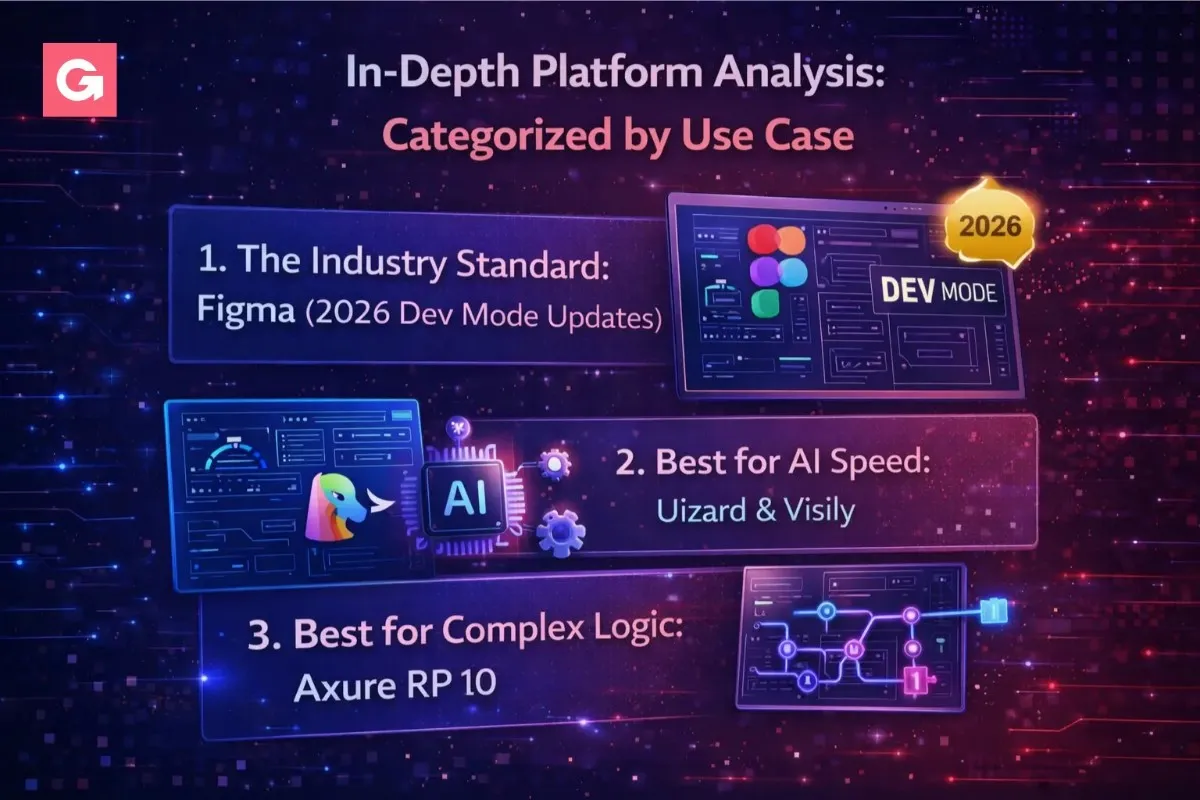
Figma remains the undisputed leader in high-fidelity prototyping and collaborative design platforms, but 2026’s Dev Mode 2.0 release has fundamentally changed the wireframe-to-code workflow. The new semantic component mapping intelligently translates design components into framework-specific code (React, Vue, Angular, Flutter), generating not just styles but complete component hierarchies with proper prop interfaces.
Key Technical Strengths:
- Auto-Layout 3.0: Now supports CSS Grid and Flexbox parity, meaning responsive behavior translates 1:1 to web layouts. Developers at Gaincafe have reduced layout debugging time by approximately 60% using these constraints.
- Variables & Tokens: Design tokens now export directly to JSON, SCSS, or CSS-in-JS formats compatible with design system tools like Style Dictionary or Theo.
- Real-Time Multiplayer: WebRTC-based collaboration with sub-100ms latency makes synchronous design reviews genuinely productive, eliminating the async feedback loops that plague traditional tools.
- API & Plugin Ecosystem: Robust REST API enables custom integrations with Jira, Linear, and Notion. Gaincafe’s internal plugin automatically syncs design status to project management dashboards.
Technical Verdict (Developer Perspective):
- Developers Appreciate: Clean inspect mode with CSS Grid/Flexbox properties, accurate spacing values, and exportable SVGs with optimized paths.
- Developers Dislike: Designers occasionally create overly complex component variants that don’t map cleanly to code logic. The learning curve for advanced prototyping features (variables, conditional interactions) can slow down rapid wireframing.
2. Best for AI Speed: Uizard & Visily
For teams prioritizing low-code design tools and rapid concept validation, Uizard’s AutoDesigner 2.0 and Visily represent the cutting edge of AI-powered wireframing. These platforms leverage computer vision and transformer models to convert hand-drawn sketches, screenshots of existing apps, or text prompts into editable interactive mockups.
Uizard’s Killer Features:
- Screenshot-to-Editable UI: Upload a screenshot of any app (competitor analysis, reference design) and Uizard decomposes it into editable components with remarkable accuracy. In our testing, it correctly identified navigation patterns, cards, and form elements with 85%+ precision.
- Text-to-Design Generation: Describe your interface in natural language, "Create a dashboard with three metric cards, a line chart, and a user table", and the AI generates a functional wireframe in seconds. Particularly effective for standard SaaS patterns.
- Component Intelligence: Unlike generic AI image generators, Uizard understands UI semantics. It generates components with proper hierarchy, spacing systems, and responsive breakpoints rather than flat graphics.
Visily’s Approach: Visily takes a slightly different approach, focusing on template-based AI acceleration. Its strength lies in rapidly customizing pre-built wireframe templates using AI suggestions. For Gaincafe client projects with tight timelines, we’ve used Visily to prototype entire e-commerce flows in under 2 hours by iteratively refining AI-generated screens.
Technical Verdict (Developer Perspective):
- Developers Appreciate: Unprecedented speed for MVP prototypes. Export to React/Flutter code accelerates initial scaffolding. Low barrier to entry for non-designers.
- Developers Dislike: Generated code quality is inconsistent, suitable for throwaway prototypes but requires significant refactoring for production. Limited design system integration compared to Figma. AI outputs occasionally make semantically incorrect assumptions about component relationships.
3. Best for Complex Logic: Axure RP 10
For enterprise applications requiring sophisticated conditional logic, dynamic content, and data-driven interactive mockups, Axure RP 10 remains unmatched. While its interface feels archaic compared to Figma’s polish, Axure’s power lies in its ability to prototype complex business logic without writing code.
Enterprise-Grade Capabilities:
- Advanced Interactions: Create multi-step forms with field validation, conditional visibility rules, and dynamic panels that swap content based on user input. Gaincafe used Axure to prototype a loan application system with 47 conditional branches, impossible to represent accurately in simpler tools.
- Data-Driven Prototypes: Import CSV data to populate repeater widgets with realistic content. This enables usability testing with production-like data volumes before writing a single line of backend code.
- Specification Generation: Auto-generates detailed HTML specifications documenting every interaction, screen state, and component behavior. These specs serve as comprehensive requirements documents for development teams.
Technical Verdict (Developer Perspective):
- Developers Appreciate: Specifications are developer-friendly and reduce ambiguity. Complex logic prototypes prevent costly rework. Ability to test edge cases in prototypes before implementation.
- Developers Dislike: Steep learning curve for interaction logic. Desktop-based software feels dated. Generated HTML prototypes use outdated markup patterns. No direct code export to modern frameworks.
Technical Deep Dive: Integration & Development Handoff
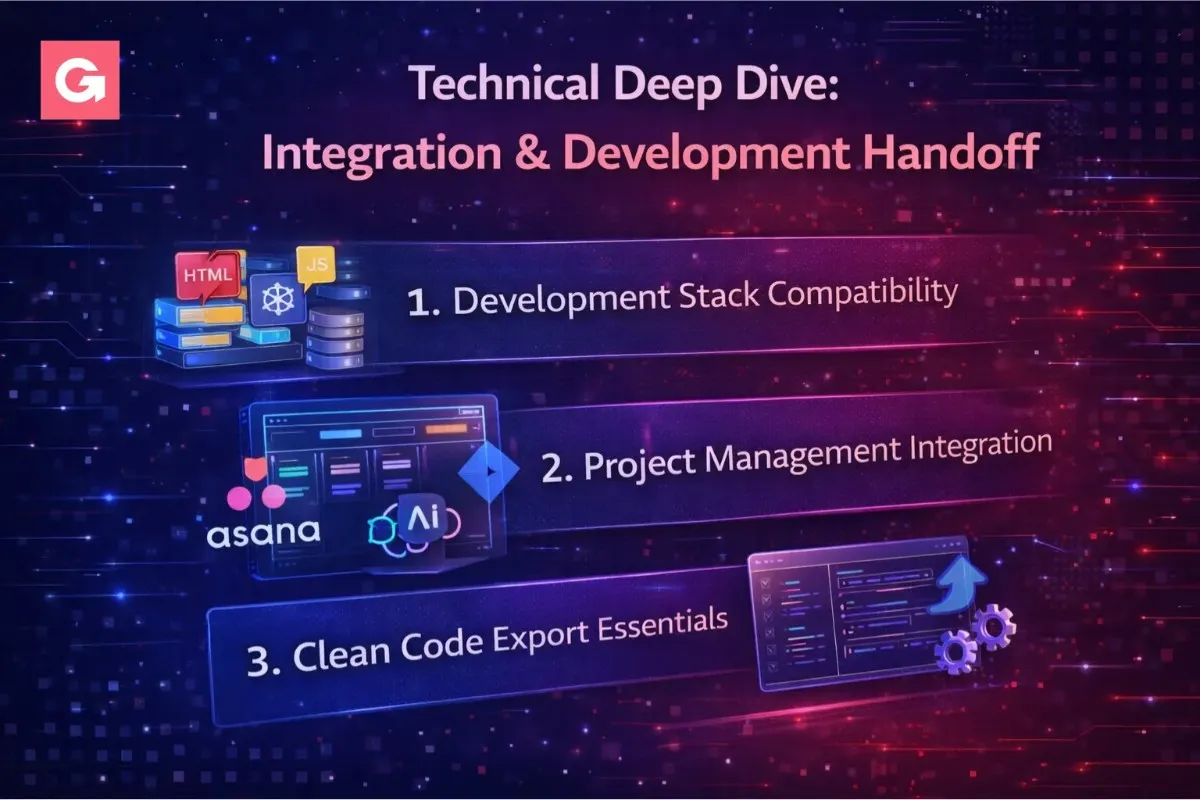
The wireframing tool selection process must account for downstream UI/UX design workflow integration. At Gaincafe, we evaluate tools based on three critical technical dimensions:
1. Development Stack Compatibility
- React Ecosystems: Figma’s Dev Mode generates component-ready JSX. Third-party plugins like Anima or Quest can export directly to React with proper prop typing. Uizard offers native React component export, though code quality often requires cleanup.
- Flutter Development: Both Figma (via FlutterFlow integration) and Uizard support Flutter widget generation. However, Gaincafe’s Flutter team prefers manual implementation using Figma specs due to better architectural control.
- Vue/Angular: Design-to-code tooling lags behind React. We typically use Figma for design specs and manual implementation, leveraging design tokens for consistency.
2. Project Management Integration
Modern product development demands tight coupling between design and project tracking:
- Jira Integration: Figma’s official Jira plugin enables bi-directional linking. Designers can attach wireframes to stories, and developers see design updates in-context. Axure offers similar but less polished integration.
- Linear Sync: Figma’s Linear integration automatically creates issues from design comments, streamlining feedback loops.
- API Access: Figma’s REST API and webhooks enable custom automation. Gaincafe built an internal tool that auto-generates Confluence documentation pages from Figma frames, maintaining single-source-of-truth design specs.
3. Clean Code Export Essentials
For enterprise IT clients, clean code export isn’t optional, it’s contractual. We assess export quality across four criteria:
- Semantic HTML: Does generated markup use appropriate elements (<button>, <nav>) versus generic <div> wrappers?
- Accessibility Compliance: Automated ARIA labels, keyboard navigation support, and color contrast ratios. Figma’s recent accessibility panel improvements help, but manual audits remain necessary.
- Component Architecture: Does export respect component hierarchies, or does it flatten everything into a monolithic structure?
- Style Maintainability: Are styles using variables/tokens, or hard-coded values? Figma variables export to CSS custom properties, enabling theme switching.
Want developer-ready wireframes (not just pretty screens)?
We build wireframes with clean handoff in mind: tokens, components, responsive constraints, and clear specs for engineering. Perfect for fast MVPs and enterprise builds.
How Gaincafe Selects the Right Tool for Your Project

Tool selection at Gaincafe follows a decision matrix based on project characteristics:
For MVP & Startup Prototypes
- Primary Tool: Uizard or Visily (for speed).
- Rationale: AI-accelerated wireframing compresses discovery timelines from weeks to days. For pre-seed startups validating concepts with limited runway, speed trumps pixel-perfect fidelity. We transition to Figma once product-market fit is established and high-fidelity prototyping becomes necessary for fundraising materials.
- Handoff Strategy: Export low-fidelity wireframes as PDFs for stakeholder review. Development team implements from Uizard’s React exports as scaffolding, with significant refactoring expected.
For Enterprise Applications
- Primary Tool: Figma (for design systems), Axure (for complex workflows).
- Rationale: Enterprise projects demand governance, version control, and audit trails. Figma’s branching/merging capabilities enable parallel workstreams. For applications with Byzantine business logic (insurance underwriting, loan origination), we prototype decision trees in Axure before visual design begins.
- Handoff Strategy: Figma Dev Mode provides developers with inspection tools, code snippets, and design token exports. Axure specifications document edge cases and conditional logic that Figma prototypes can’t adequately represent.
For Consumer Mobile Apps
- Primary Tool: Figma (with motion design plugins).
- Rationale: Consumer apps compete on interaction delight. Figma’s advanced prototyping (spring animations, gesture recognition) enables high-fidelity interaction testing before development. We augment with Principle or Framer for complex micro-interactions.
- Handoff Strategy: Figma prototypes become executable specifications. iOS/Android developers use Lottie exports for animations, ensuring pixel-perfect motion implementation.
Need a prototype that converts investors and accelerates development? Gaincafe’s UI/UX design team specializes in translating complex requirements into intuitive, developer-ready wireframes. Contact Us for a consultation on selecting and implementing the right wireframing workflow for your project.
Conclusion: Selecting Tools for Scalable UI/UX Workflows
- The best wireframing tools 2026 landscape is no longer dominated by a single platform. Instead, we’re seeing healthy specialization: Figma for comprehensive UI/UX design workflows, AI-powered tools for rapid iteration, Axure for complex enterprise logic, and Balsamiq for focused ideation.
- At Gaincafe, we’ve moved beyond tool tribalism to strategic tool selection, matching platform capabilities to project requirements, team dynamics, and technical constraints. The right tool accelerates delivery without compromising quality or maintainability.
- The critical shift in 2026 isn’t just the arrival of generative UI, it’s the maturation of handoff workflows that respect both designer intent and developer constraints. Tools that bridge this gap through clean code export, semantic component mapping, and intelligent automation will define the next era of product development velocity.
Ready to choose your 2026 wireframing stack?
Share your use case and we’ll recommend the tool + workflow that keeps design fast and handoff clean.